
The short version
- Each business drive needs a date, miles, a business destination, and a purpose.
- The log also needs total miles for the year, including your personal driving.
- A weekly log counts as timely kept, so you do not need to write each trip the moment it ends.
Which fields does an IRS mileage entry need?
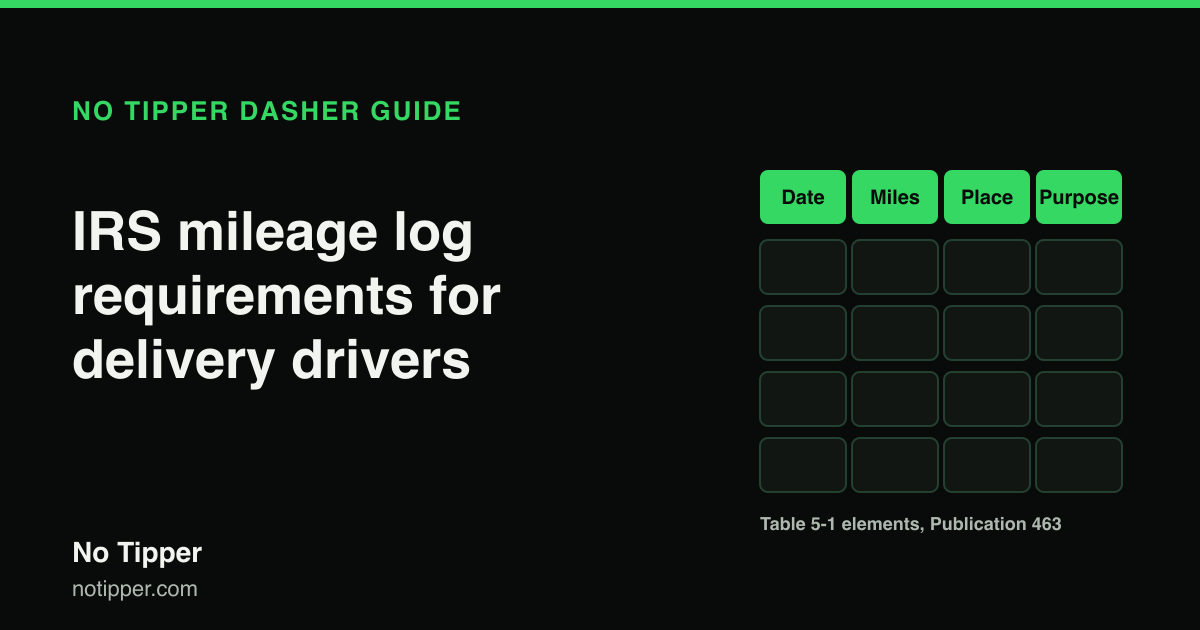
For a car used in business, the IRS asks you to record four elements, according to Table 5-1 in Publication 463 (2025): the amount, the time, the place, and the business purpose. For a car, the amount is the mileage for each business use and the total miles for the year. The time is the date of the use, the place is your business destination, and the purpose is the business reason for the drive.
The table below maps those four elements onto a delivery shift. The IRS wording is from the publication, and the right-hand column shows what a delivery entry looks like.
- Date of each business drive
- Miles for each business drive
- Business destination
- Business purpose
- Total miles driven during the year, including business and personal miles
| Element | What the IRS says to record for a car | What a delivery entry looks like |
|---|---|---|
| Amount | The mileage for each business use, and the total miles for the year | Miles for each delivery run, plus the total miles you drove the car that year |
| Time | The date of the use of the car | The date of the shift or run |
| Place | Your business destination | The restaurant pickup and the delivery area |
| Business purpose | The business purpose for the expense | Delivery for a platform order, named by platform |
Publication 463 also includes a sample daily log with odometer start and stop columns. Those readings are an easy way to get the miles for each drive, but the list in Table 5-1 asks for the mileage of each business use, not for start and stop readings as such.
When do you need to write each entry?
Write each entry at or near the time of the drive. IRS guidance says a timely kept record has more value than a statement prepared later, because accurate recall fades. You do not have to write every trip down the moment it ends, though. A log kept on a weekly basis that accounts for the week’s use is considered a timely kept record.
A weekly log also makes the year-end total easy to build, since you can add the week totals instead of rebuilding twelve months from receipts and memory. If you record trips in the app as you drive, DoorDash mileage tracking for Dashers explains the setup that keeps each entry close to the drive.
If one car runs deliveries for two apps, keep both in one log so the weekly totals include all of the business use. Multi-app delivery tracking for Dashers covers that setup.
Can a few logged weeks stand in for the whole year?
Sometimes, under narrow conditions. IRS guidance lets you keep an adequate record for part of the year and use it to prove the business share for the whole year, but only if other evidence shows that the logged periods represent the rest of the year.
Publication 463 works through a driver who uses a car for client visits and some personal trips. Records for the first week of each month show 75 percent business use, and invoices show the same pattern later in the month, so the weekly records are sufficient evidence for the year. A delivery driver can use the same reasoning, but only if the logged weeks look like the weeks that were not logged.
What does one logged week add up to?
The week below is illustrative, with made-up miles. It shows how daily entries roll into a weekly business total and how that total compares with the odometer.
| Day | Business miles | Entry |
|---|---|---|
| Monday | 14.6 | Four delivery runs |
| Tuesday | 0.0 | No business drives |
| Wednesday | 22.3 | Evening shift |
| Thursday | 9.8 | Two delivery runs |
| Friday | 18.4 | Evening shift |
| Saturday | 27.0 | Long shift |
| Sunday | 11.2 | Short shift |
| Week total | 103.3 | Business miles |
The odometer shows 118.9 miles for the same week, which includes 15.6 personal miles. Business use is 103.3 divided by 118.9, or about 86.9 percent for the week. That is the kind of figure the IRS guidance has in mind when it asks for total miles, so keep the odometer reading at the start and end of each logged period.
What if the app export does not match your log?
Start with the export. No Tipper exports trip records as CSV or PDF, which is part of No Tipper Pro. The export is an organized copy of your records, so it is useful for review, but it does not decide what counts as deductible.
If an export is missing a drive you logged, check the date range first. If the trip is still missing, contact Support with the date and the drive you expected to see, so the problem can be checked.
Download the fictional DoorDash mileage log
A free, editable six-column CSV with the four fictional 2026-09-22 rows shown in this guide. It is not customer data or an IRS form.
Download the fictional mileage log (.csv)Trip details, fuel estimates, messages, and exports in one place.
No Tipper is an iOS app for delivery drivers that records trip time and mileage, estimates gas cost from vehicle inputs, prepares rule-based customer messages, and exports trip records as CSV or PDF through No Tipper Pro.
Free to download. No Tipper Pro unlocks unlimited saved trips, CSV/PDF export, and custom message templates for $1.99/month or $19.99/year in the US. Plans auto-renew; cancel in Apple Subscriptions. Confirm any trial eligibility in the app.
Common questions
What must an IRS mileage log include for a delivery driver?
Each business-drive entry needs the date, miles, business destination, and business purpose. Keep the car’s total business and personal miles for the year at the annual-log level.
Do I need odometer readings for every trip?
Table 5-1 asks for the mileage of each business use and the total miles for the year. Odometer readings appear in the sample log, and they are an easy way to get those miles.
Is a weekly log acceptable?
Yes. IRS guidance says a log kept on a weekly basis that accounts for the week’s use is considered a timely kept record.
Do I need to write the business purpose for each drive?
Yes. Business purpose is one of the four elements in Table 5-1. For delivery work, name the platform and the pickup or delivery area so the purpose is specific.
Does No Tipper create an official IRS record?
No. It is an organized record you can review and export. It does not replace IRS guidance or advice from a tax professional.
No Tipper is an independent utility and is not affiliated with or endorsed by DoorDash. Platform features and policies can change; check official platform guidance when a question depends on current DoorDash rules.