
The short version
- Use the same six columns for every drive, on every platform.
- Write one specific purpose per row so the entry is easy to match later.
- Enter miles from the odometer or the trip record, not from memory alone.
What columns go in a DoorDash mileage log?
Put these six headers in row one, in this order, so every month lines up when you combine the sheets. Copy the table into a spreadsheet, or type the headers as shown.
Date, purpose, and miles are the columns that match the car elements in IRS Publication 463 (2025) Table 5-1, which asks for the date of the use, the business purpose, and the mileage for each business use. Start and end times are not on that list. They help you tell two drives on the same date apart, and they make a row easier to check against the app or the odometer later. Platform is there for anyone who drives for more than one app.
Copyable six-column template
Date Start time End time Purpose Miles Platform| Column | What to enter | Example |
|---|---|---|
| Date | The day the drive started, as YYYY-MM-DD | 2026-09-22 |
| Start time | When you began the drive, on a 24-hour clock | 18:05 |
| End time | When the drive ended, on a 24-hour clock | 18:47 |
| Purpose | The reason for the drive, specific enough to check | Delivery run, restaurant to customer |
| Miles | Miles for this drive, from the odometer or trip record | 24.0 |
| Platform | The app whose order the drive was for | DoorDash |
What does one filled-in row look like?
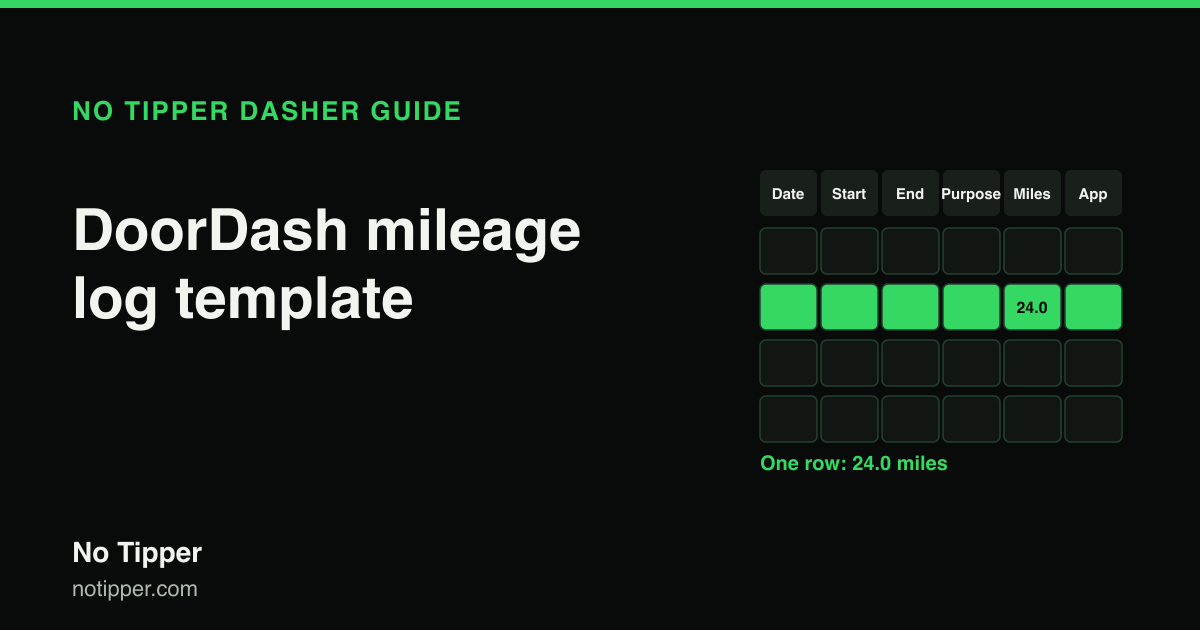
Here is one row for a 24-mile segment from a shift. The segment ran from the restaurant to the customer on a single order, and the odometer difference for the drive was 24.0 miles.
Enter miles with one decimal place, such as 24.0, so the column adds up cleanly in a spreadsheet. If your trip record shows whole miles, enter 24 and use the same format on every row, so the total does not mix two styles.
Scroll the comparison sideways to see every option. With a keyboard, focus the table and use the arrow keys.
| Date | Start time | End time | Purpose | Miles | Platform |
|---|---|---|---|---|---|
| 2026-09-22 | 18:05 | 18:47 | Delivery run, restaurant to customer | 24.0 | DoorDash |
How does a full shift look in the same columns?
The same columns hold a whole evening. Each drive gets its own row, and the miles add up to the shift total. The times and miles below are made up for illustration.
Scroll the comparison sideways to see every option. With a keyboard, focus the table and use the arrow keys.
| Date | Start time | End time | Purpose | Miles | Platform |
|---|---|---|---|---|---|
| 2026-09-22 | 17:40 | 17:58 | Drive to restaurant for order 1 | 6.4 | DoorDash |
| 2026-09-22 | 18:05 | 18:47 | Delivery run, restaurant to customer | 24.0 | DoorDash |
| 2026-09-22 | 18:55 | 19:08 | Drive between orders | 3.1 | DoorDash |
| 2026-09-22 | 19:20 | 19:44 | Delivery run, order 2 | 9.7 | DoorDash |
| Shift total | 43.2 |
At the end of the shift, add the miles column and compare the total with the odometer difference for the evening. Any gap should be a personal drive that you either logged separately or left out on purpose.
What makes a purpose entry usable later?
Write the purpose so someone who was not there can match it to a trip. “Delivery” alone is weak. “Delivery run, restaurant to customer” says where the drive went and why it was a business drive.
IRS guidance lets you combine uninterrupted business driving into one entry. Publication 463 (2025) says you can account for several uses of your car that are part of a single use, such as a round trip or uninterrupted business use, with a single record. The same passage says minimal personal use, such as a lunch stop between two business stops, does not interrupt that use. Anything longer than a short stop belongs in its own row.
Where does the filled template go after the shift?
Keep one sheet per year, and save a copy outside your phone. The template also works on paper, since Publication 463 includes a paper daily mileage log in Table 5-2 with the same kind of columns.
If you want the app to keep these rows for you, DoorDash mileage tracking for Dashers covers how No Tipper records trip time and mileage and what the export includes. If an export leaves out a drive, contact Support with the date so it can be checked.
Should the mileage log include a fuel estimate?
The six columns do not include fuel, because the log is about miles. If you also want a gas figure for each drive, the formula is miles divided by your vehicle’s MPG, multiplied by the price per gallon. The gas cost guide walks through the inputs and the limits of that estimate.
Download the fictional DoorDash mileage log
A free, editable six-column CSV with the four fictional 2026-09-22 rows shown in this guide. It is not customer data or an IRS form.
Download the fictional mileage log (.csv)Trip details, fuel estimates, messages, and exports in one place.
No Tipper is an iOS app for delivery drivers that records trip time and mileage, estimates gas cost from vehicle inputs, prepares rule-based customer messages, and exports trip records as CSV or PDF through No Tipper Pro.
Free to download. No Tipper Pro unlocks unlimited saved trips, CSV/PDF export, and custom message templates for $1.99/month or $19.99/year in the US. Plans auto-renew; cancel in Apple Subscriptions. Confirm any trial eligibility in the app.
Common questions
Can I download this DoorDash mileage log template?
Yes. The CSV is free, fictional, editable, and not an IRS form.
Do I need one row per delivery?
Not always. Uninterrupted business driving can go in one row, but a separate order or a stop that is more than minimal personal use should get its own row so each purpose stays clear.
Can I enter miles from the app instead of the odometer?
Yes, if the trip record shows the miles for that drive. The odometer is still the most direct check on total miles, so compare the two at least once a month.
Do I need the platform column if I drive for one app?
It costs nothing to keep. If you add a second app later, the column keeps the rows consistent without a rebuild.
Does this template replace an IRS log?
It follows the record elements in IRS Publication 463 (2025), but it is not an IRS form. Confirm how your records should be kept with a tax professional.
No Tipper is an independent utility and is not affiliated with or endorsed by DoorDash. Platform features and policies can change; check official platform guidance when a question depends on current DoorDash rules.